



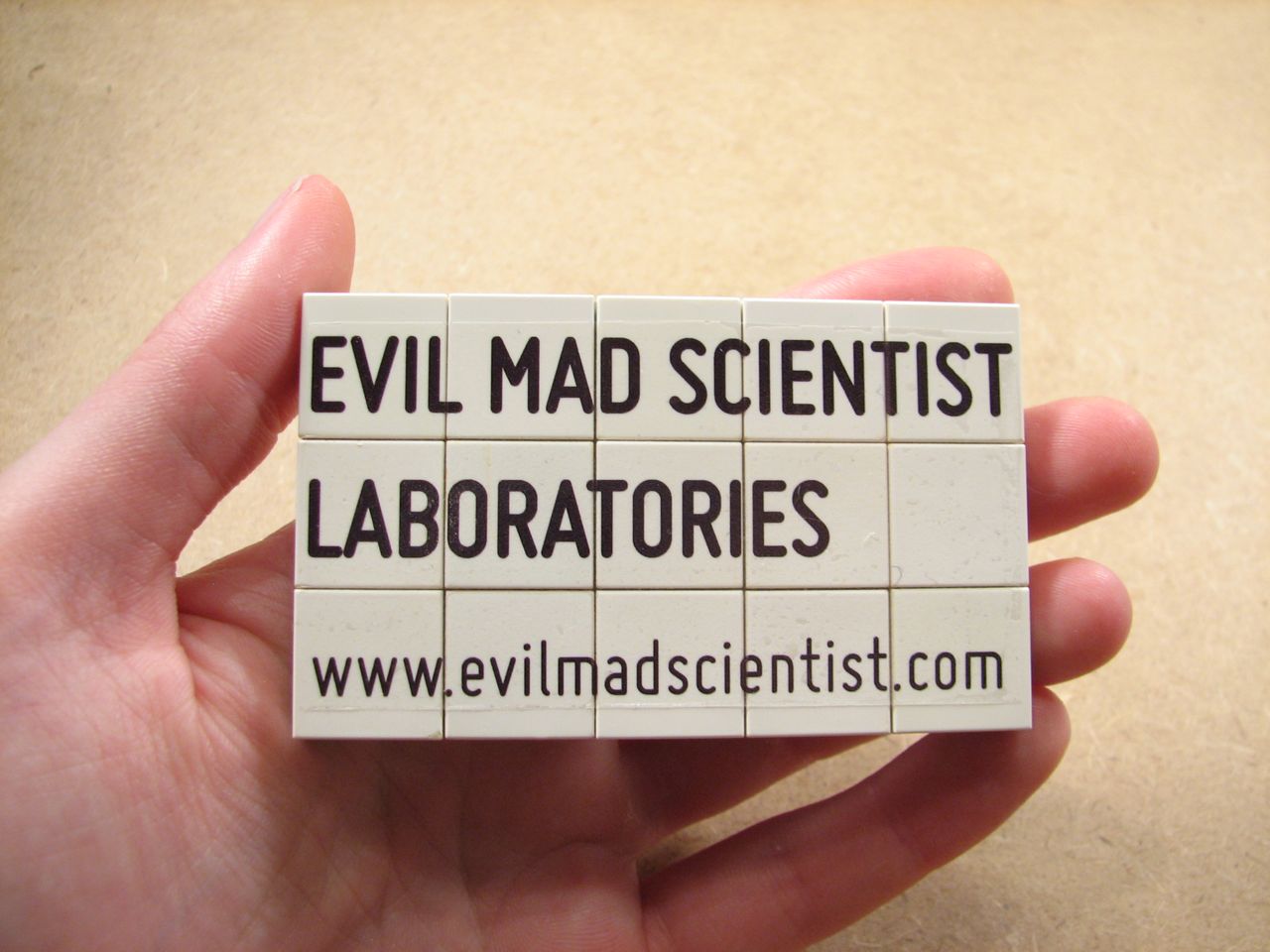
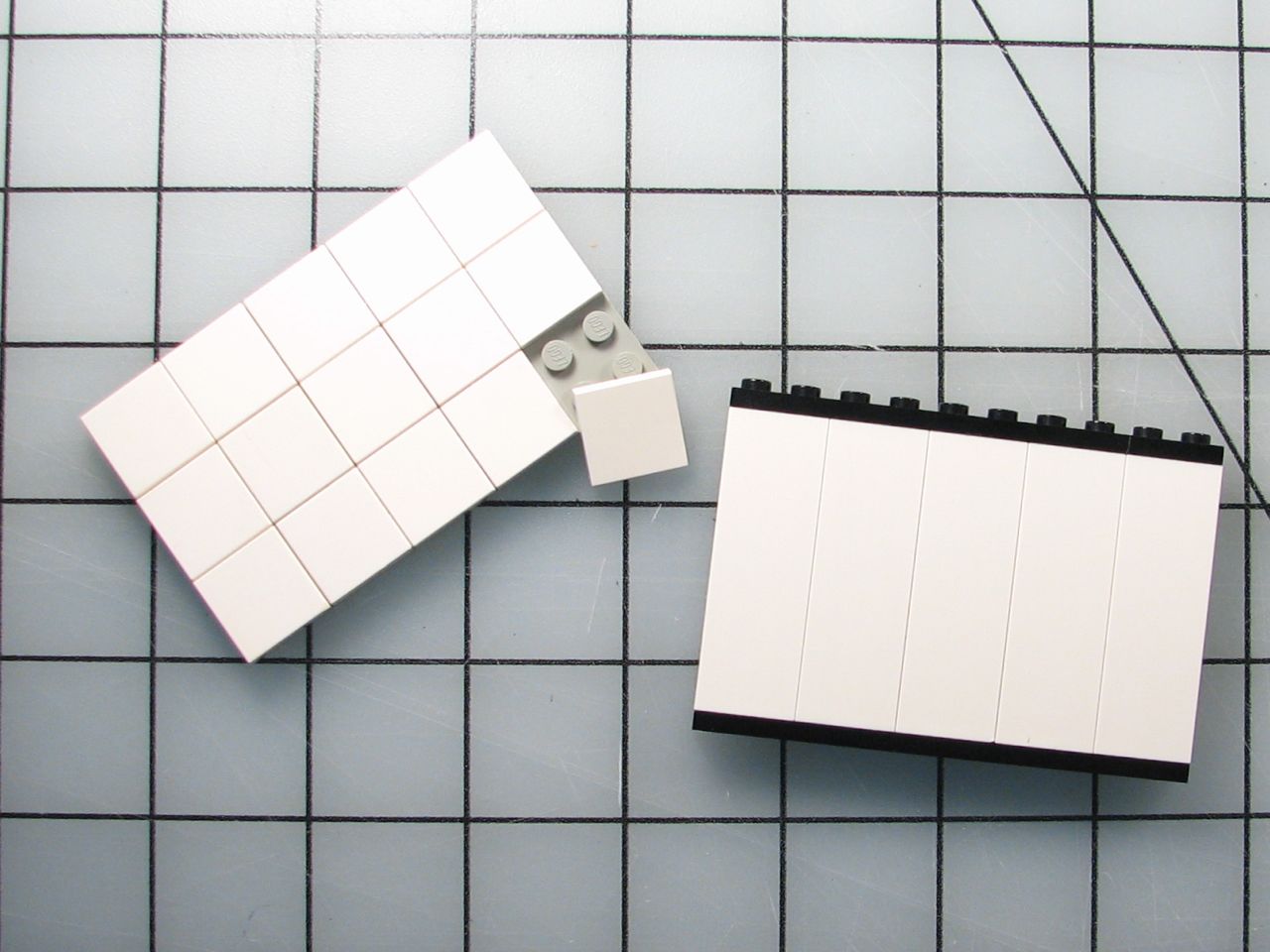
 First, you’ve got to have some Legos. Fifteen of the two by two tiles on a six by ten plate are very close to business card size. Alternately, the side of a stack of bricks five units high by ten units wide is the same size.
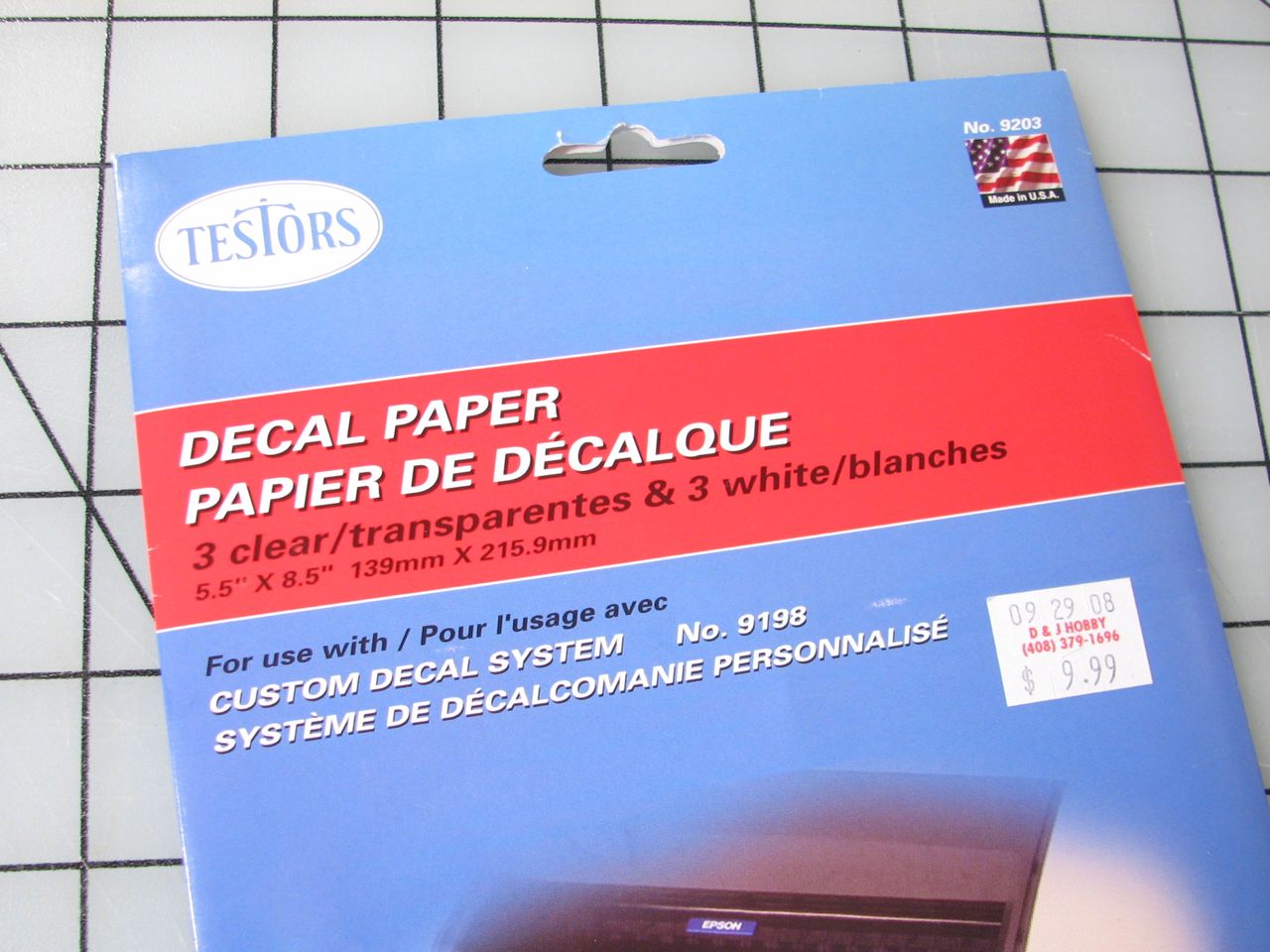 Next, you’ll need some decal paper. There are a lot of brands of printable decal film including Testors, Micro-Mark, Papilio, Bel’s, and Experts-Choice.
Decal films are available in various colors, but transparent is the most versatile. Even on the white surface of the Legos, the transparent was less visible than the white film that we tried. Most brands are available in laser and inkjet versions. Laser is far preferable, as inkjet ink is typically water soluble, which is a terrible thing for a water-slide decal. The typical solution is to spray a fixative over the ink, but that only works so well.
Testor’s seems to be the most readily available, and was the only brand that was in stock at local shops. However, it is also the most expensive, only comes in half-sheets, and only seems to be available in an inkjet version. Of those listed above, Bel’s seems to be the least expensive, followed by Micro-Mark.
Next, you’ll need some decal paper. There are a lot of brands of printable decal film including Testors, Micro-Mark, Papilio, Bel’s, and Experts-Choice.
Decal films are available in various colors, but transparent is the most versatile. Even on the white surface of the Legos, the transparent was less visible than the white film that we tried. Most brands are available in laser and inkjet versions. Laser is far preferable, as inkjet ink is typically water soluble, which is a terrible thing for a water-slide decal. The typical solution is to spray a fixative over the ink, but that only works so well.
Testor’s seems to be the most readily available, and was the only brand that was in stock at local shops. However, it is also the most expensive, only comes in half-sheets, and only seems to be available in an inkjet version. Of those listed above, Bel’s seems to be the least expensive, followed by Micro-Mark.
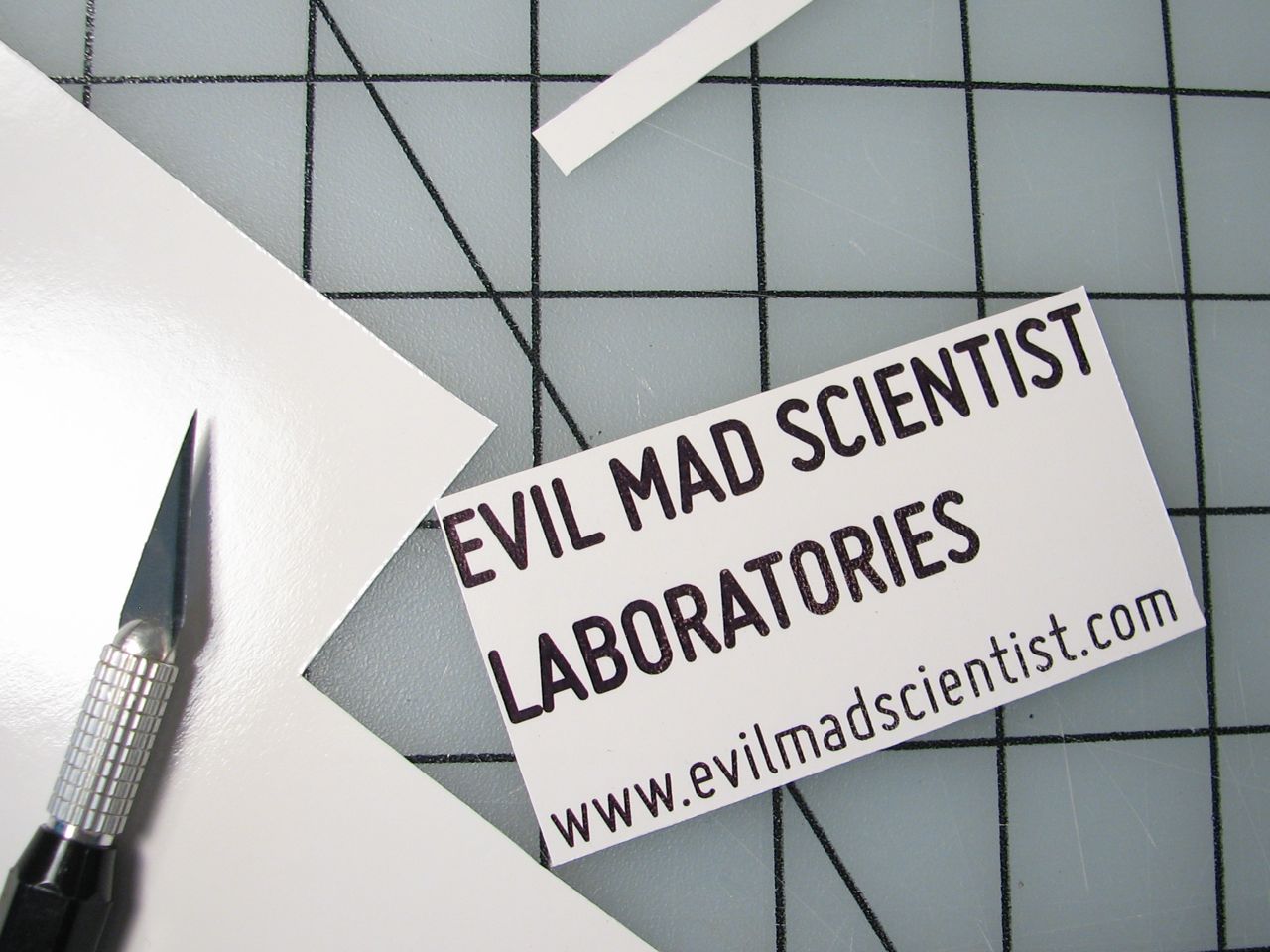 The first step is to print out your decal. For inkjet printers, you may want to print on a glossy or photo setting to get a thicker layer of ink. For laser decals, there are lots of warnings about using only a plain paper setting as settings with longer fuse times can overheat the decal paper.
The font we used for these cards is Miso, which we’ve mentioned before.
The first step is to print out your decal. For inkjet printers, you may want to print on a glossy or photo setting to get a thicker layer of ink. For laser decals, there are lots of warnings about using only a plain paper setting as settings with longer fuse times can overheat the decal paper.
The font we used for these cards is Miso, which we’ve mentioned before.
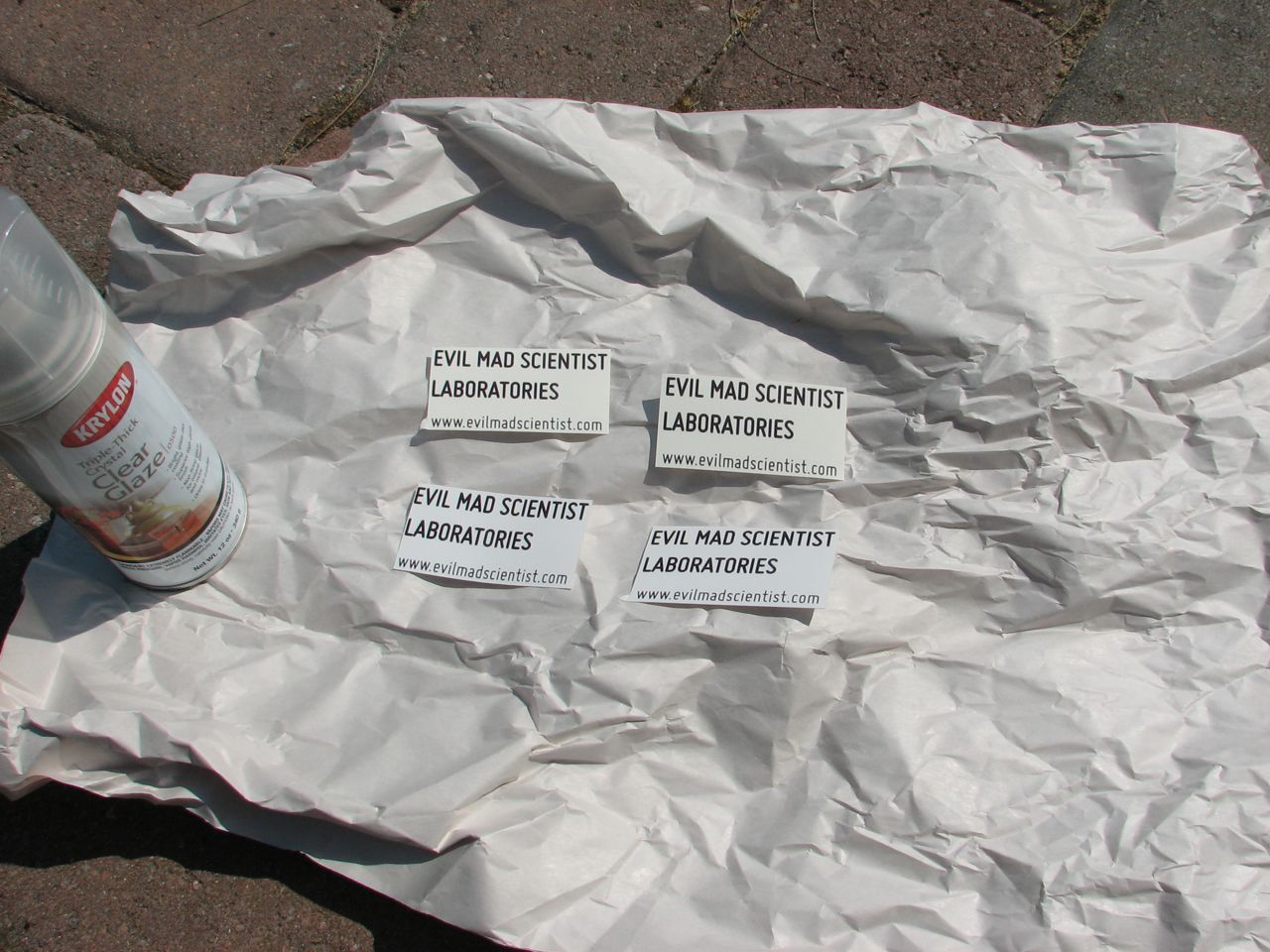 When spraying a clear fixative coat on, a piece of tape on the back of the decal can protect it from breezes.
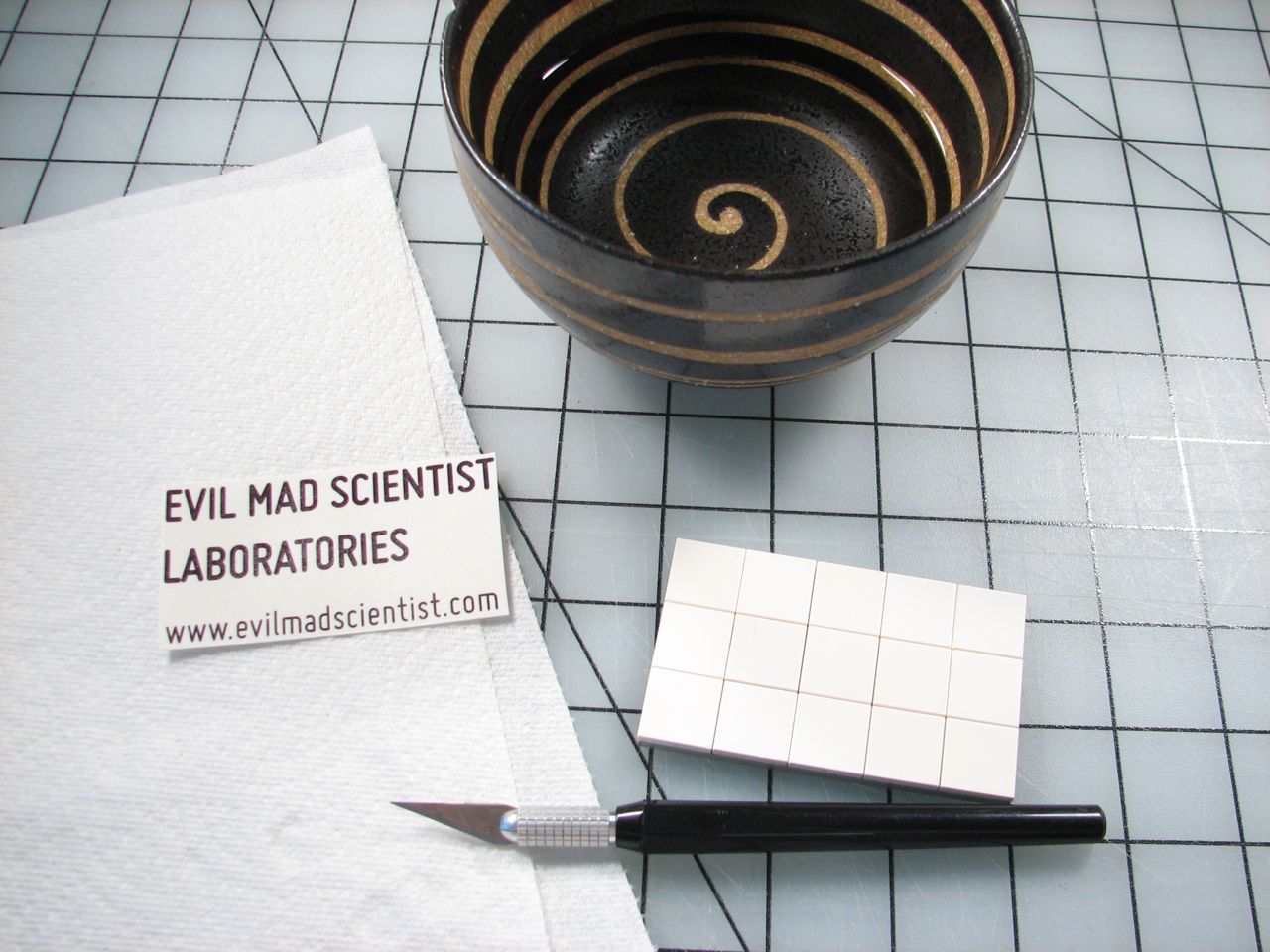 When your decal and its overcoat are dry you’re ready to put it on. Water and paper towels are the only tools you really need, but tweezers or a knife blade are handy to have for helping position your decal.
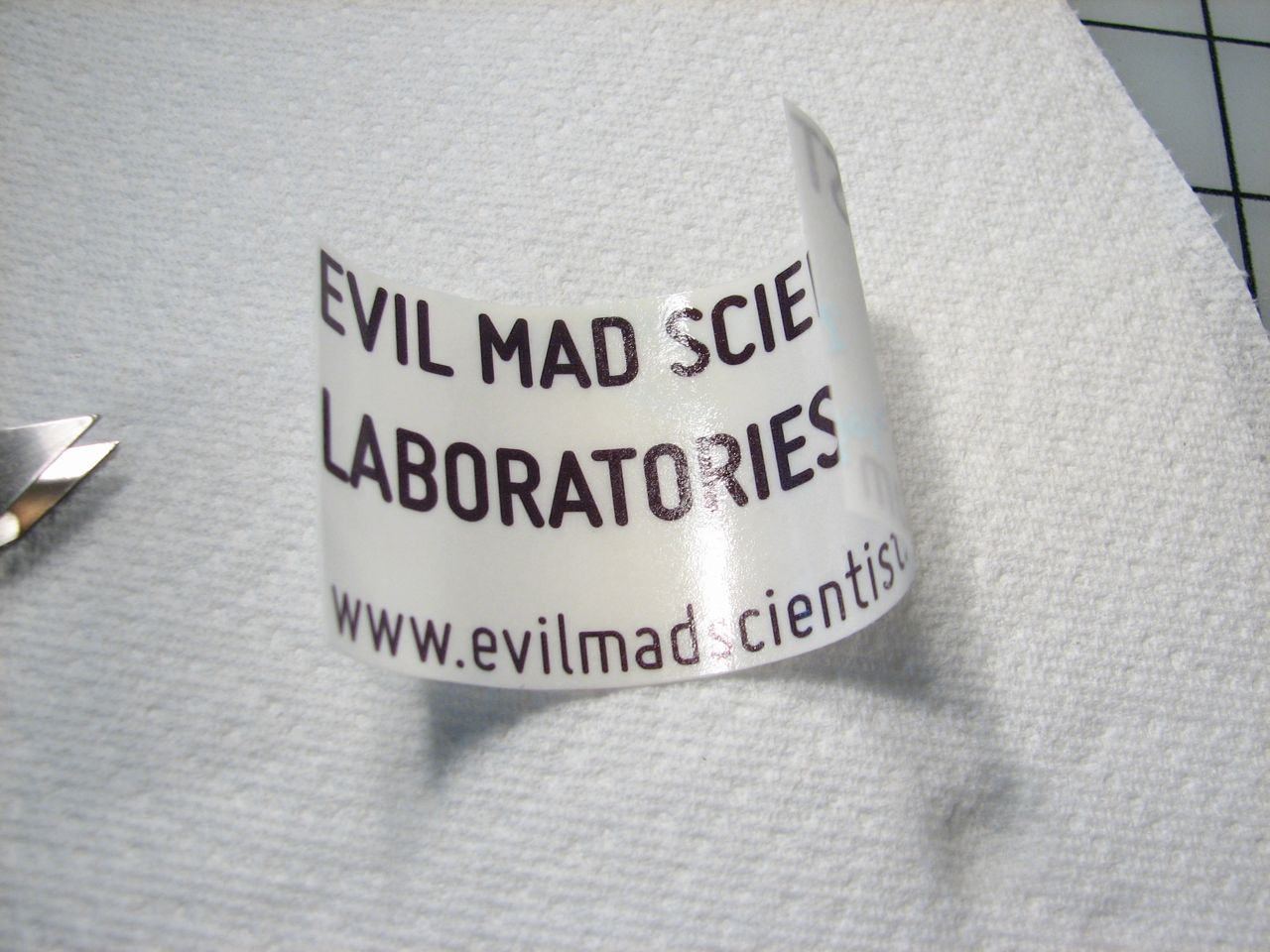 If you’re using inkjet decals, only wet the back side of the decal. Water on the front side may cause the ink to run. You can rest the back of the decal on the surface of the water or you can drip water onto the back. You need just enough moisture to dampen the paper, which will curl up as it absorbs the water. While the backing is absorbing the water, pre-moisten your clean Lego surface with a little bit of water.
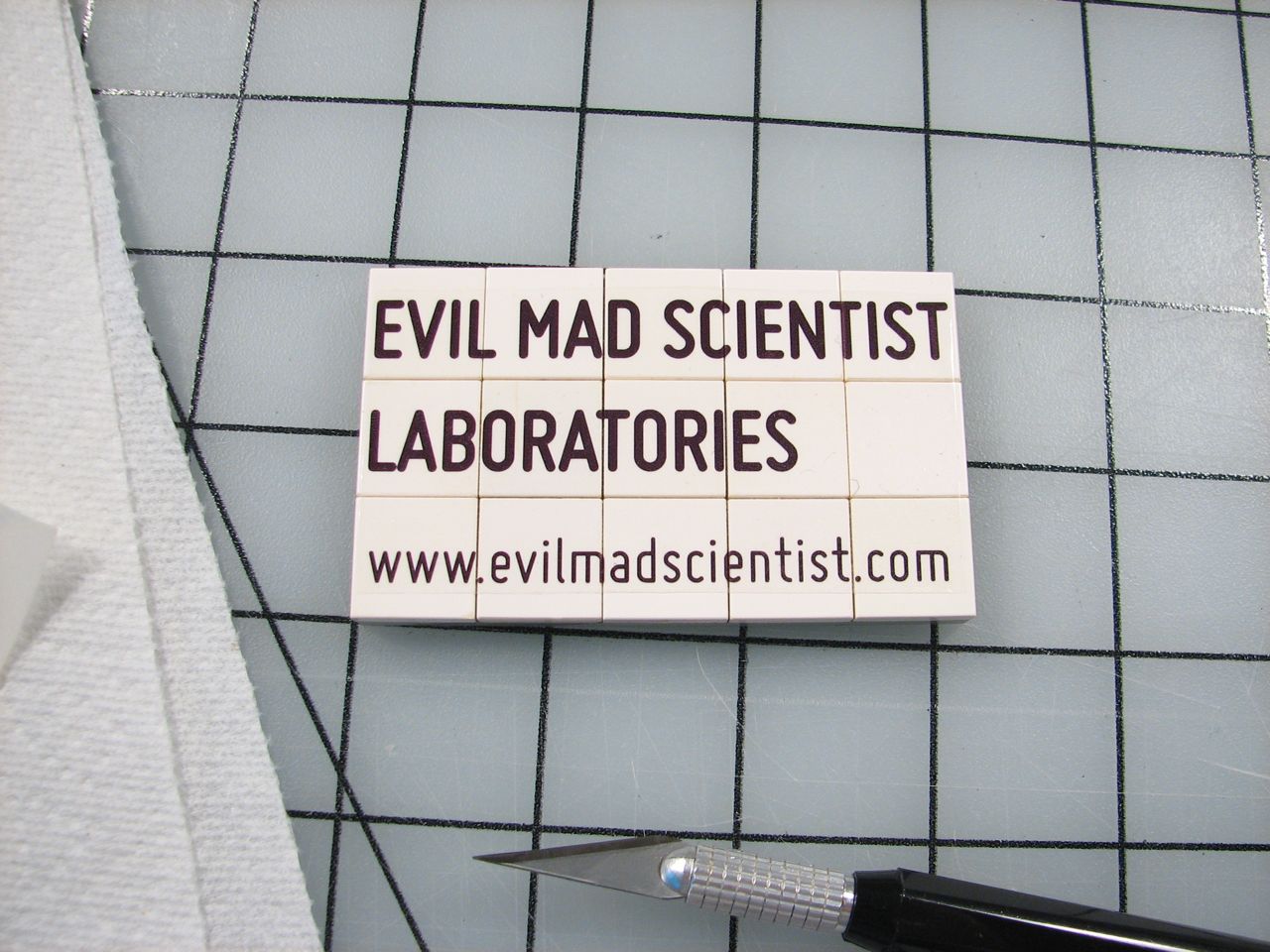 Once the decal can slide around on the paper backing, you’ll need to work quickly. Slide it off the backing onto your Legos. You can sometimes slide gently to adjust the position, but once it’s on, it will like staying where it is. Use a dry paper towel or cloth to rub the decal smooth and get rid of any bubbles. After it dries, you can give it a clear coat or two for permanence.
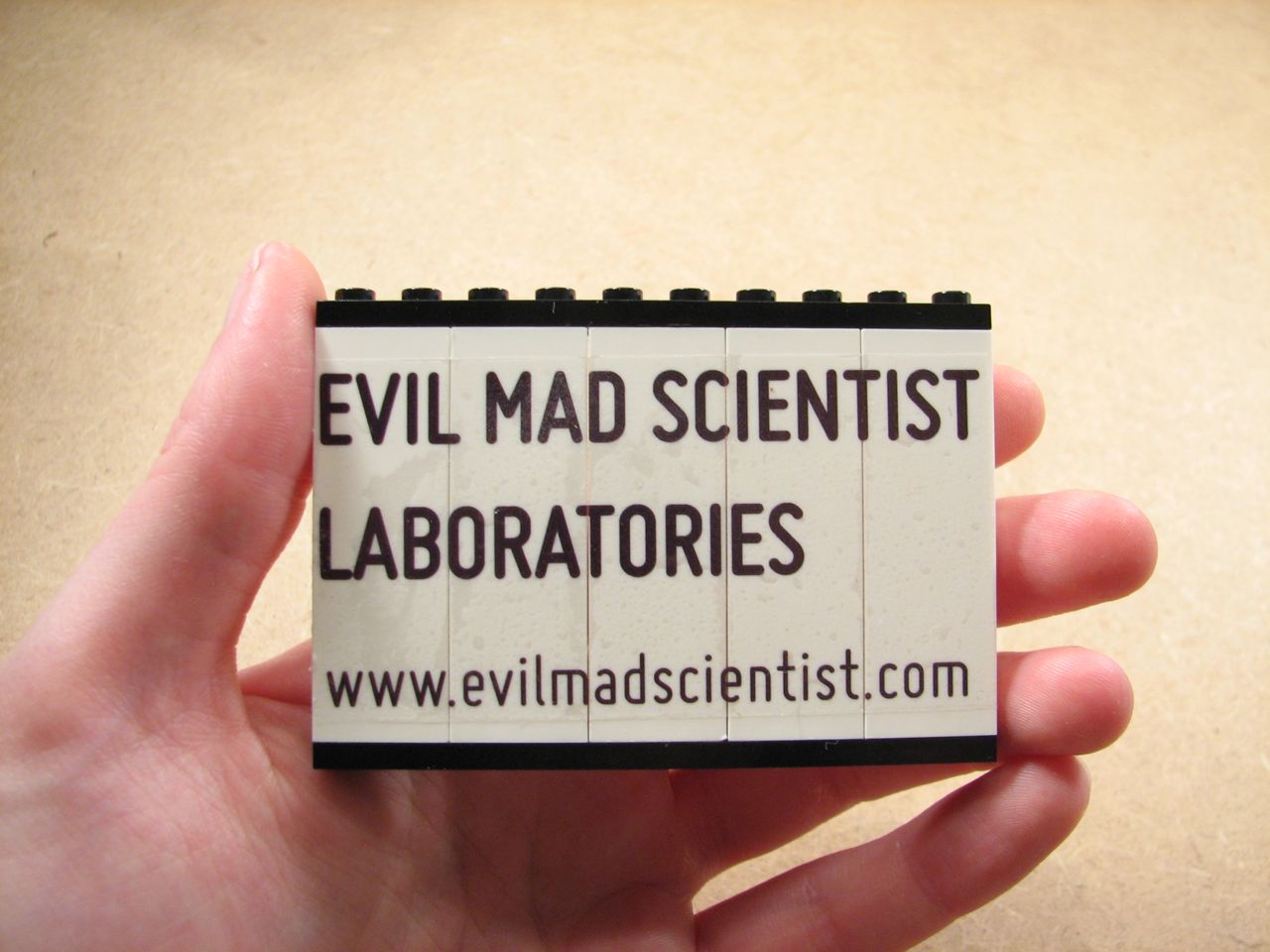 If you make your own, we’d love to see pictures in the flickr auxiliary!
Other Evil Mad Scientist “business card” projects:

You forgot a step:
* Cut decal apart at brick edges, so they can still be disassembled as is right and proper.
I used this technique for text on my amps, works great! Here’s some pics.
http://www.flickr.com/photos/pstretz/3635633382/in/set-72157619801211844/
http://www.flickr.com/photos/pstretz/3814337805/in/set-72157622020415800/
Decals I used, http://www.lazertran.com/products/lazertran_products_original.htm with a Brother HL-2070N http://www.brother-usa.com/Printer/ModelDetail.aspx?ProductID=HL2070N
What a fun idea! I like the pp’s suggestion to cut them as well. So many fun things you could do with these! Thanks so much for the creative how-to, I’ll be linking.